
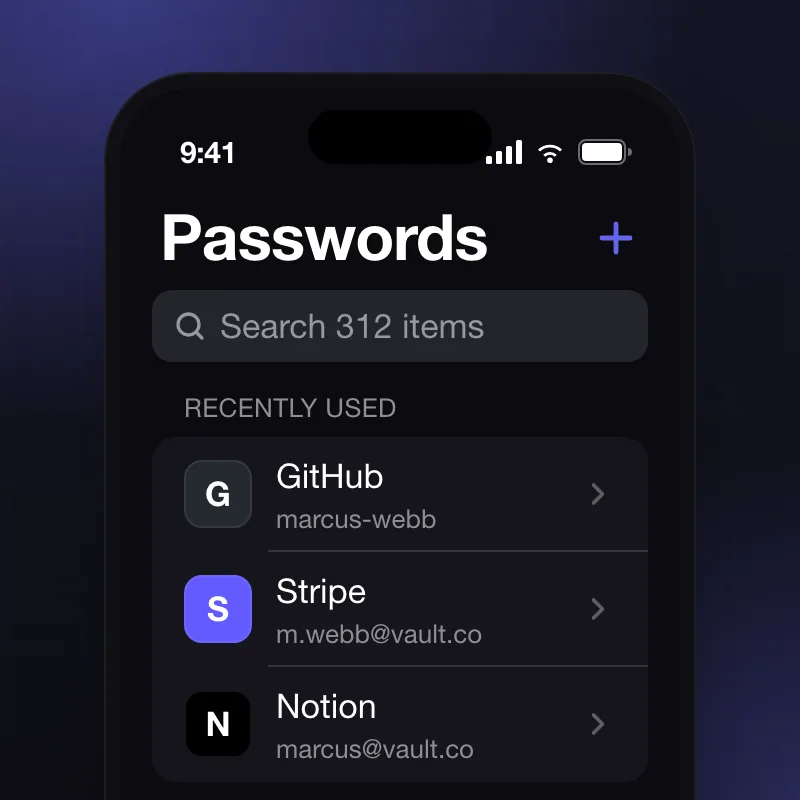
All passwords
The home screen: recently used items first, then everything, with search a thumb away. Copy is one tap and the clipboard clears itself after thirty seconds.
- Built with
- SwiftUI · CryptoKit
- Clipboard
- clears after 30 s
End-to-end encrypted password manager with biometric unlock and iCloud sync.
iOS · macOS · 2024
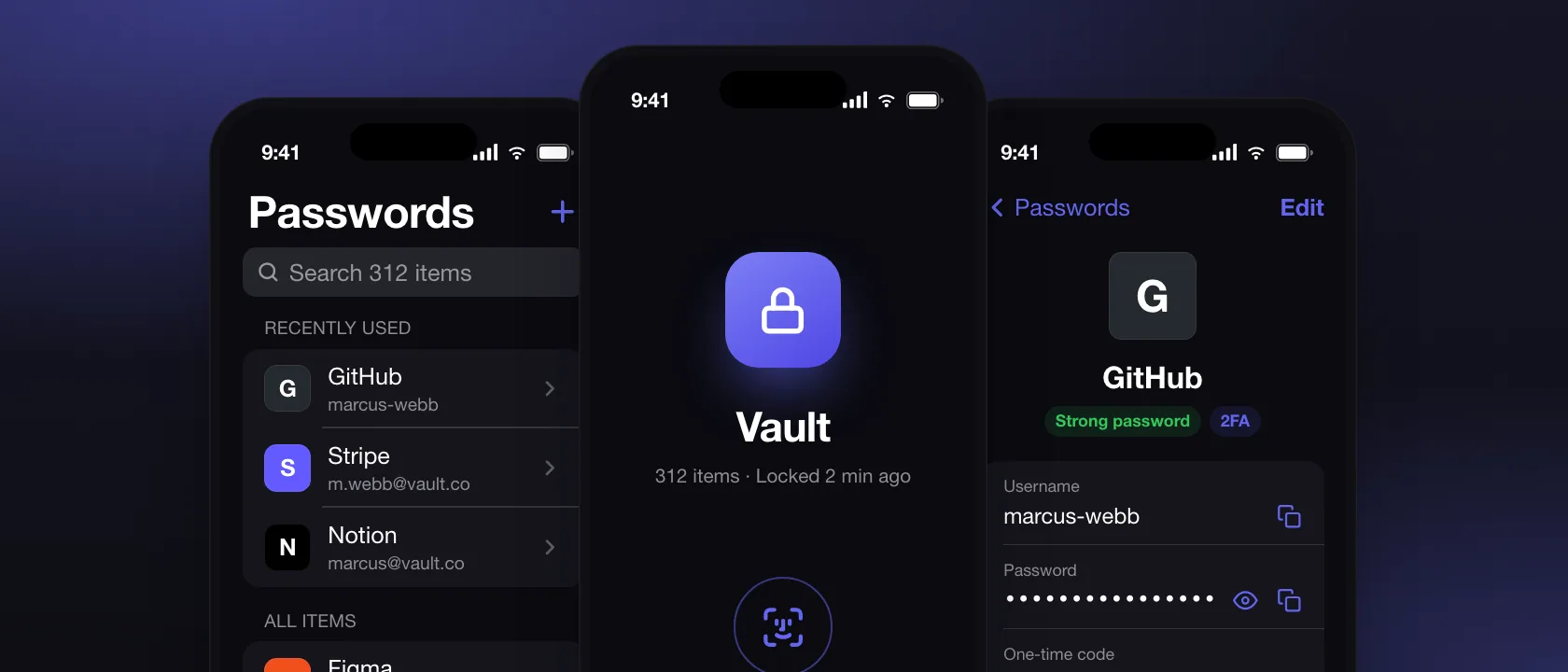
Vault came to us as a security-first idea with no product around it. We designed the unlock-to-paste flow to take under two seconds, built the encryption layer and iCloud sync, and shipped iOS and macOS from one Swift codebase — fourteen weeks from kickoff to App Store.
Every screen people use: what it does, the decision behind it, and the details.
The home screen: recently used items first, then everything, with search a thumb away. Copy is one tap and the clipboard clears itself after thirty seconds.
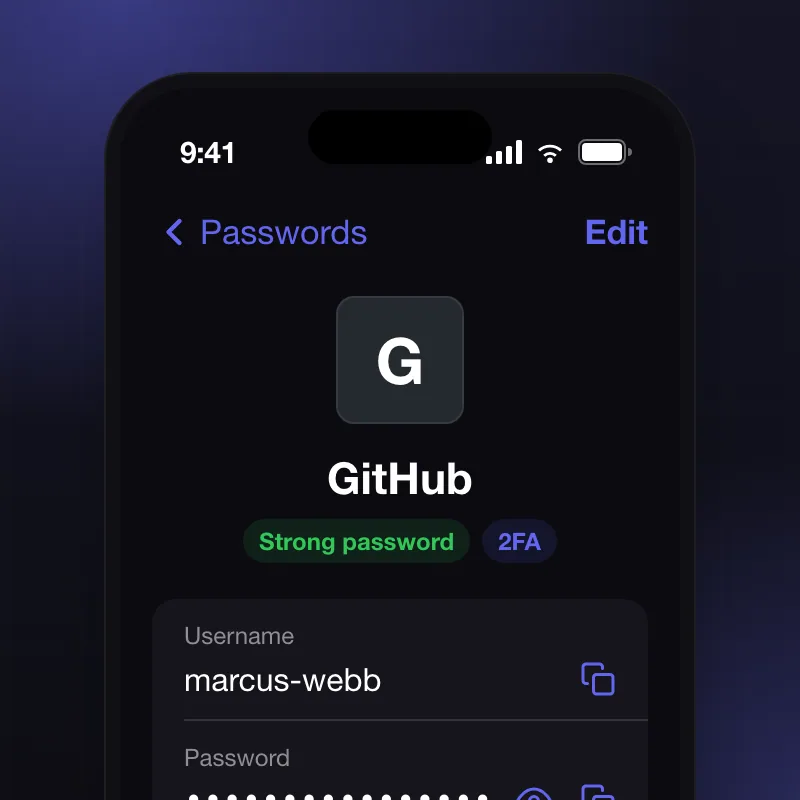
One item, everything about it: username, password, the site, two-factor codes, and when it last changed. Strength and 2FA show as badges, so a weak login is obvious at a glance.
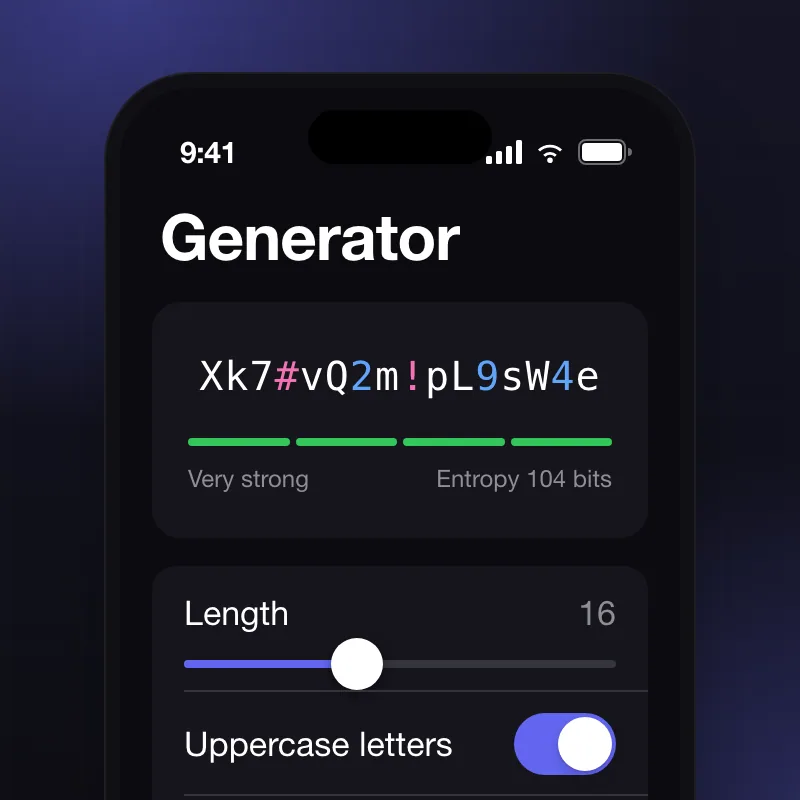
Length, character sets and readability in one panel, with the entropy shown as you drag. The generated password is saved to the item in the same motion, so nothing is copied by hand.
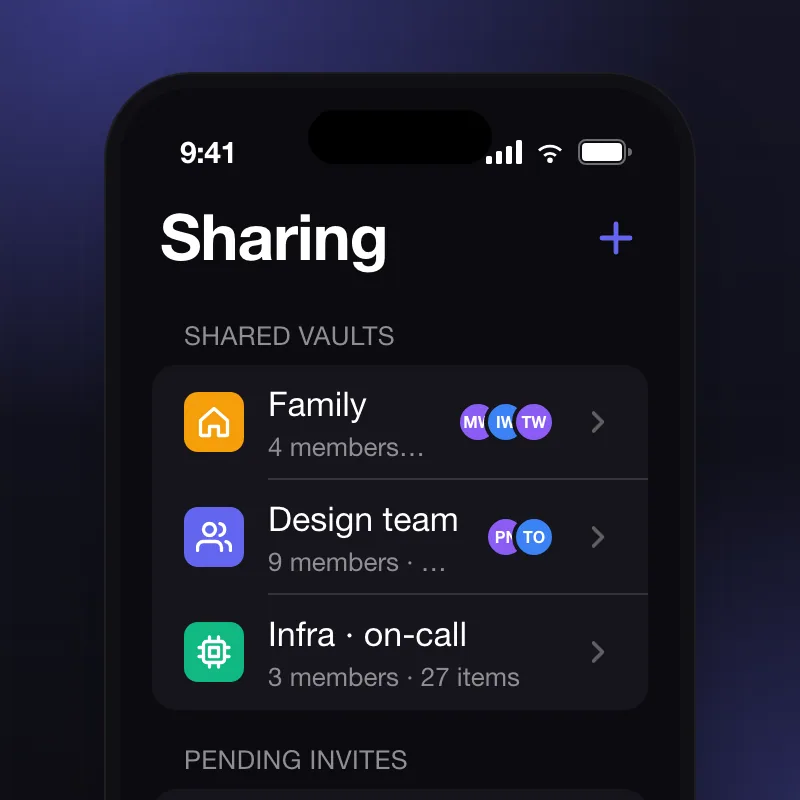
Shared vaults for families and teams, with members, roles and pending invites in one list. Every share is encrypted per member, so revoking one person never re-keys the rest.
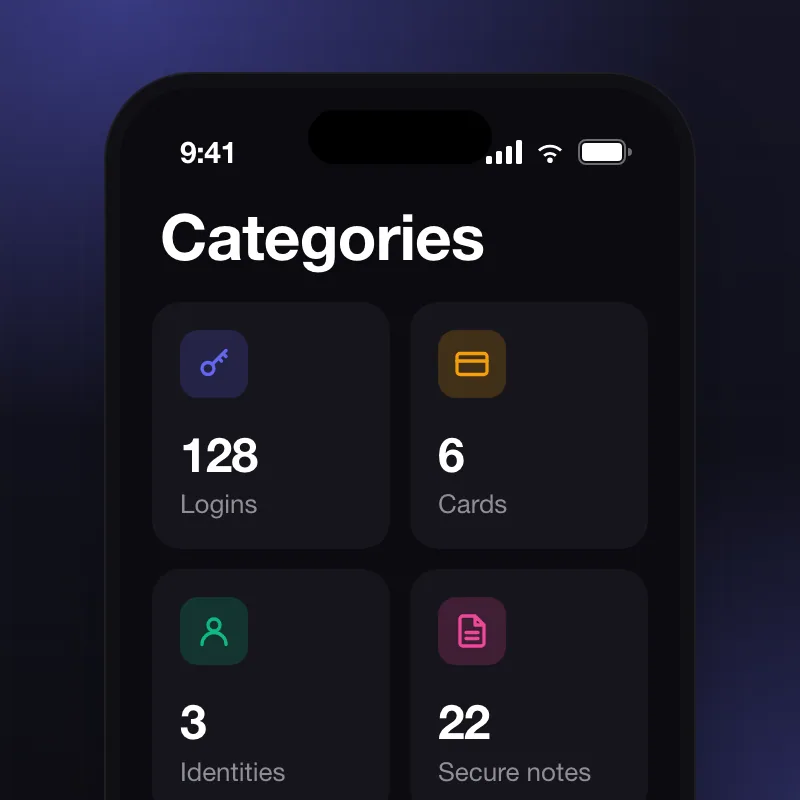
Logins, cards, identities and secure notes as four counted tiles. The counts double as a health check: the number of weak or reused logins is a tap away.
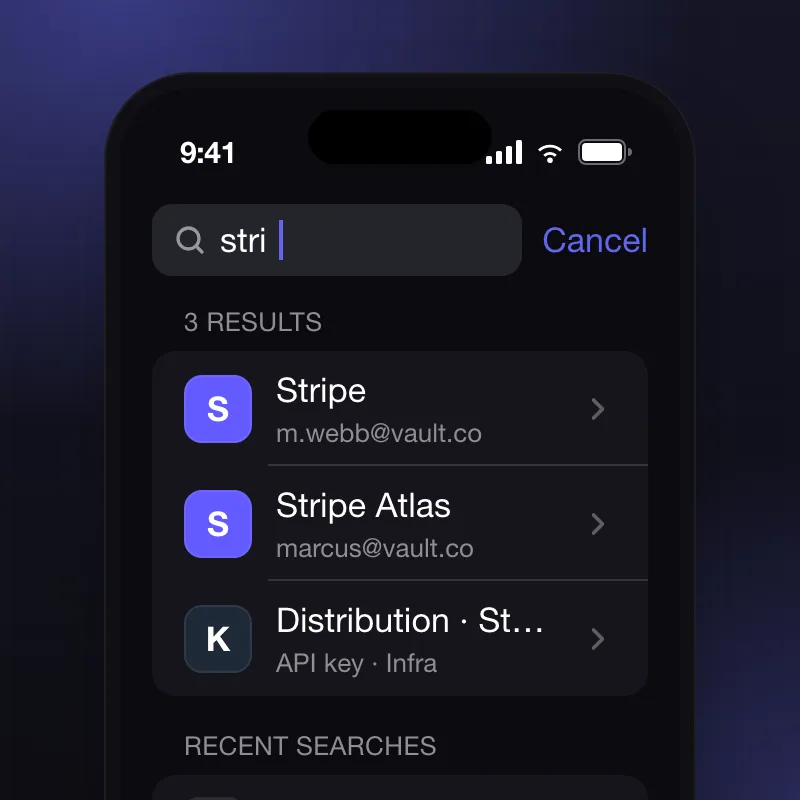
Results as you type, across names, usernames and URLs, with recent searches under them. Matches within a second at a few thousand items, all on the device.
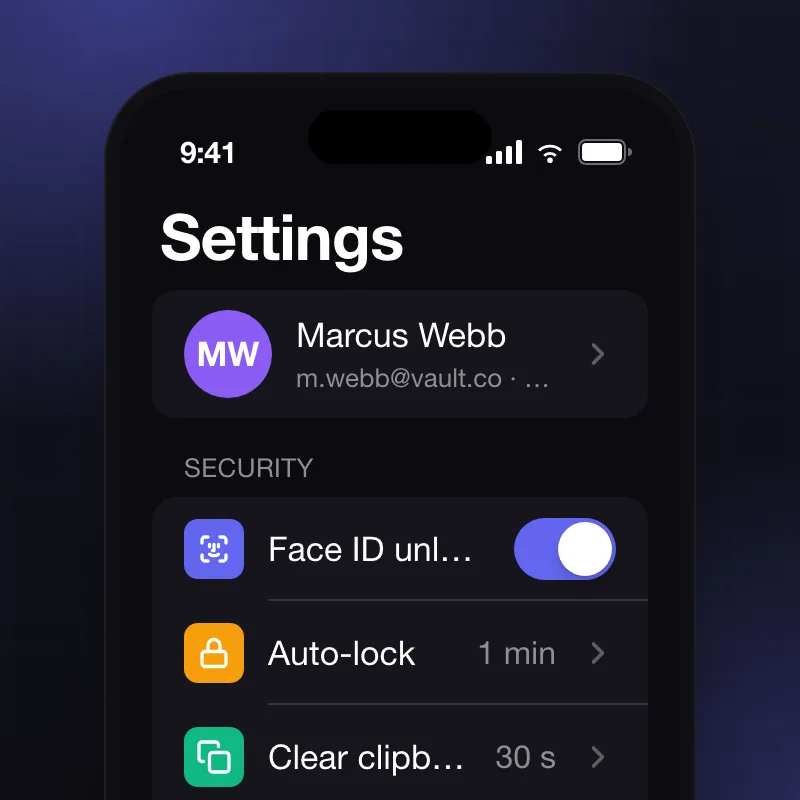
The account, then security first: Face ID unlock, auto-lock timing and clipboard clearing. The defaults are the safe ones, so most people never open this screen.
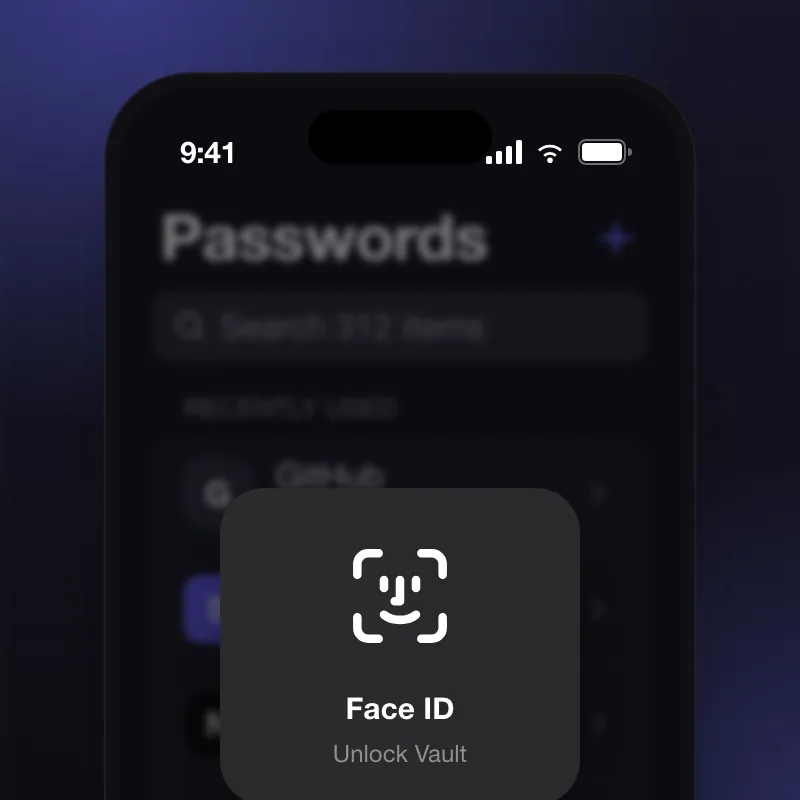
The lock screen, and the moment the whole app was designed around: unlock to paste in under two seconds. Falling back to the passcode is one tap, never a dead end.
“Working with soooftware transformed how we think about our product. They pushed back on bad ideas and advocated for the user at every turn. That integrity is rare.”
Marcus Webb
Founder, Vault
A written take on scope, timeline and budget, from the person who'd lead your product.
or write to hello@soooftware.com